I was sitting at my workbench last Tuesday when a long-time client, Sarah, walked in holding her Samsung Galaxy S21 Ultra. She was nearly in tears. “I just tapped ‘install update’ before going to bed, and when I woke up, this bright neon green lightsaber was slicing right down the middle of my screen,” she told me.
I didn’t even need to run a diagnostic tool to know exactly what had happened. It’s a nightmare scenario that thousands of smartphone owners face globally every single month. You install a routine OTA (over-the-air) firmware update, expect some minor security patches, and instead get handed a permanent, distracting vertical line across your beautiful screen.
If you’ve experienced this, you’re probably asking yourself: does software update cause screen line damage, or is it just a massive coincidence? Let’s peel back the glass, look at the actual engineering behind this hardware failure, and walk through how you can get it fixed—ideally without paying a single cent out of pocket.
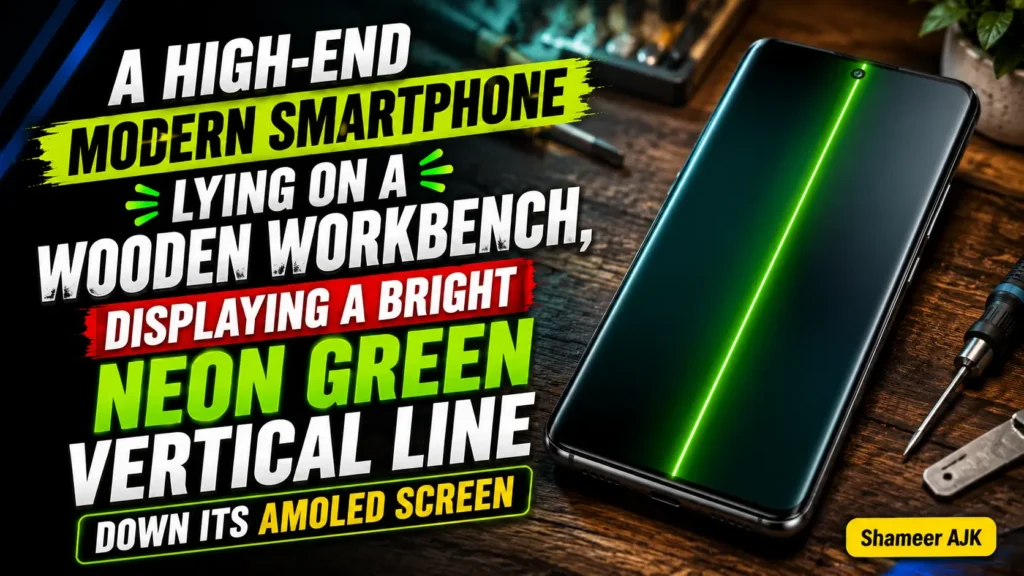
1. The Sudden Green Line Phenomenon: Why It Happens After Updates Explained
When that green stripe first strikes, the logical assumption is that the software update has a bug. Maybe the graphics driver is sending the wrong signal to the panel? Sadly, the reality is much more physical, and far more frustrating.
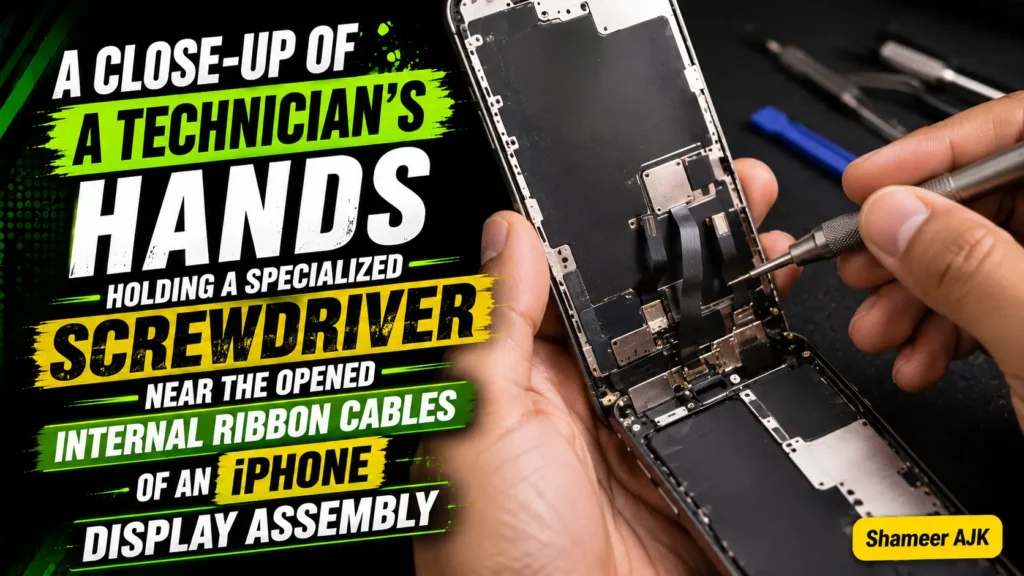
Almost all high-end phones today use an OLED display or an AMOLED screen (primarily manufactured by Samsung Display). These panels are incredibly thin, flexible sheets of glass and plastic. They connect to your phone’s main motherboard via a microscopic, flexible ribbon connector.
Here is what actually happens during a system update:
- Peak Thermal Stress: Installing a major system update is one of the most resource-intensive tasks a phone ever performs. The CPU and GPU run at near-maximum capacity for 10 to 20 minutes straight.
- Poor Heat Dissipation: Because modern phones are packed tight and sealed with heavy adhesive for water resistance, this intense heat struggles to escape.
- Solder Micro-Fractures: Directly beneath or adjacent to these hot spots sits the display controller IC and its connection to the screen’s flex ribbon. The intense, localized thermal spike causes the tiny, microscopic solder joints on these connectors to expand.
- Hardware Degradation: When the phone finally cools down after the update finishes, these metal connections contract. If there was even a minor manufacturing defect or pre-existing physical wear, this rapid thermal cycle causes a micro-fracture.
Once that tiny trace on the ribbon cable is broken or disconnected, the power delivery to that specific column of sub-pixels is disrupted. The result? A solid green (or sometimes magenta) vertical line. The software update didn’t write bad code to cause this; rather, the thermal stress of the installation process pushed a vulnerable, physical hardware component over the edge.
2. Software Glitch vs. Physical Hardware Failure: How to Diagnose Your Screen
Before we start planning a trip to a repair center or looking up the iphone green vertical line screen repair cost, we need to isolate the problem. We must determine if we are dealing with a temporary driver glitch or permanent physical hardware degradation.
Here is exactly how to test if green line is hardware or software using my personal diagnostic checklist:
The Recovery Mode Test (The Ultimate Diagnostic tool)
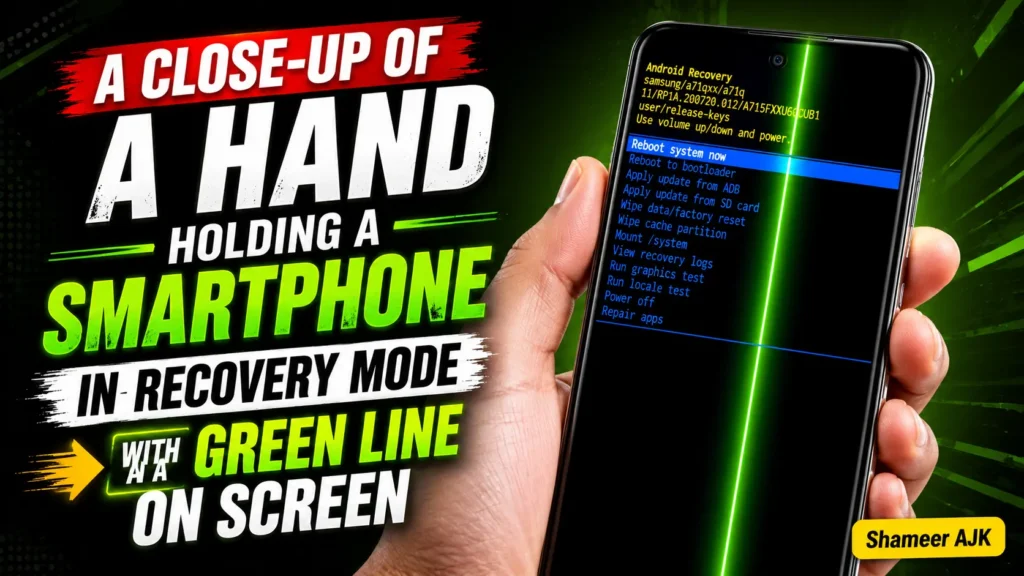
Standard software glitches only exist when your Android or iOS operating system is active and rendering graphics through its standard frameworks. By booting your phone into Recovery Mode, you bypass the entire operating system, the user interface, and the custom graphics driver.
- For Android: Turn your phone completely off. Connect it to a computer via a USB cable (this is necessary for newer Android versions). Press and hold the Power Button + Volume Up until you see the recovery menu screen with its classic red and blue text.
- For iOS: Force restart your iPhone and hold the buttons required to bring up the “Connect to Computer” recovery screen.
Once you are in Recovery Mode, look closely at the screen. Is the green line still there?
- If YES, it is 100% a physical hardware failure. No amount of resetting or rolling back software will fix it.
- If NO, you have been incredibly lucky, and it is a rare rendering glitch that a factory reset will likely resolve.
Hardware Test Codes (Android Only)
If your phone is running and you want a secondary hardware verification, open your dialer and type *#0*# (this works on most Samsung devices). This launches the low-level hardware diagnostics menu. Tap on RED, GREEN, and BLUE tiles to force the display to render single-color channels. If the line persists across these testing screens, your panel’s ribbon connector has failed.
3. Immediate DIY Troubleshooting Steps
Let’s be completely transparent: if your diagnostic tests proved the green line is a hardware failure, looking for a green line on phone screen fix without replacing screen is usually a fool’s errand. However, if the line is intermittent, or if you want to rule out every possible software anomaly before spending money, try these steps in order.
Force Restart (The Hard Reset)
Sometimes a specific background process gets stuck in an infinite loop, drawing excessive current to the display driver.
- Android: Press and hold Power + Volume Down for 10-15 seconds until the device vibrates and restarts.
- iPhone: Press Volume Up, then Volume Down, then press and hold the Side Button until the Apple logo appears.
Wipe Cache Partition (Android)
If you recently installed an OTA update, leftover system cache files can cause rendering conflicts. Boot your device into Recovery Mode (using the steps outlined in Section 2) and use the volume keys to navigate to Wipe Cache Partition. Confirm the selection, let it run, and then reboot your system.
Adjust Screen Resolution & Refresh Rate
Sometimes, lowering the bandwidth requirements of the display controller IC can temporarily hide a failing connection. Go to your display settings:
- Turn off High Refresh Rate (120Hz) and set it to Standard (60Hz).
- Lower your resolution from WQHD+ down to FHD+ or HD+.
Personal Anecdote: I once had a client with a OnePlus 9 Pro who managed to eke out another three months of usage by locking their screen to 60Hz and turning the brightness down below 40%. It didn’t cure the underlying micro-fracture, but it reduced the thermal expansion enough to make the line disappear sporadically.
4. Manufacturer-Specific Policies and Free Screen Replacement Programs
Because this issue has triggered massive public outcry across tech forums, several manufacturers have quietly (or publicly) launched free out-of-warranty repair initiatives. Before you pull out your credit card, see if your phone qualifies for a free repair.
| Brand | Affected Models Covered | Program details | | :— | :— | :— | | Samsung | Galaxy S20, S21 Series (specifically S21 Ultra), S22 Series, Note 20 | Free screen and battery replacement under specific regional post-update campaigns. | | OnePlus | OnePlus 8, 8T, 9, 9R, 10 Pro, 11 | Lifetime screen warranty program for affected devices displaying the green line (highly active in India, expanding globally). | | Apple | iPhone 13 Pro, iPhone 13 Pro Max, iPhone 14 Pro | Covered under standard consumer warranty or quiet internal service bulletins if no physical water/drop damage exists. | | Google | Pixel 7, Pixel 7 Pro, Pixel 8 | Handled case-by-case under extended warranty exceptions for display flickering/line issues. |
Samsung’s Post-Update Recovery Program
If you are dealing with a samsung green line after software update free replacement inquiry, you need to know that Samsung has previously offered one-time free screen replacements for the S20 and S21 series in select regions, even if the device was out of warranty.
However, the s21 ultra green line post update program 2024 status has become highly localized. In countries like India, the UAE, and some EU states, service centers are still actively honoring free replacements if the phone is in pristine cosmetic condition. In the US, UK, and Canada, you may have to fight a bit harder at an authorized Samsung service center, but quoting their own global internal memos regarding thermal display failures often works.
The OnePlus Lifetime Promise
The oneplus screen green line warranty claim is arguably the most consumer-friendly policy right now. OnePlus officially recognized that the hardware integration on their AMOLED panels was prone to this failure. If you own an eligible device (like the OnePlus 8 or 9 series) and it has a green line, they will often offer a free screen replacement or, if parts are unavailable, a generous trade-in voucher toward a new device.
The Google Pixel Headache
If you have a pixel 7 green vertical line update issue, Google does not have an official, publicly named global recall program yet. However, they have quietly extended the repair window for screen issues on the Pixel 7 and 8 series. If you contact Google Support directly and provide photos proving your phone has zero physical drop damage, they will frequently authorize an RMA (Return Merchandise Authorization) repair free of charge.
5. Common Pitfalls to Avoid When Trying to Fix the Green Line
When people get desperate, they make mistakes that destroy any chance of getting their device repaired for free. If you see that green line on your screen, do not do the following:
- Do not press hard on the glass: Many YouTube videos suggest pressing firmly near the front-facing camera or the bottom bezel to “reseat” the cable. Please don’t do this. Modern OLED panels are exceptionally fragile. Excessive pressure will crack the underlying matrix, causing the entire screen to bleed black ink, turning a repairable line issue into a completely dead phone.
- Do not buy “Screen Line Fix” software: You will see apps on the Google Play Store or websites promising to “flash” the screen with rapidly shifting colors to fix the line. These programs are designed for pixel burn-in or stuck pixels on old LCD monitors. They do absolutely nothing for a physically fractured solder joint on an AMOLED display, and the rapid flashing can actually overheat your device further.
- Avoid unauthorized third-party repairs initially: If you take your phone to a cheap mall kiosk and they pry open the case, you immediately void any chance of claiming a free replacement from Samsung, Apple, or OnePlus under consumer law. Always exhaust your official channels first.
6. Navigating Authorized Service Centers & Leveraging Consumer Rights
If your phone manufacturer refuses to repair your device because you are past your standard 12-month manufacturer’s warranty, do not give up. You have more power than you think, particularly if you live in a Tier 1 country.
How to Present Your Case to Service Technicians
When you walk into a service center, or call support, the agent’s default script is to blame you for dropping the device. You must counter this proactively:
- Document the Cosmetic Condition: Show them that there are zero cracks, deep dents, or water damage indicators (the LDI sticker inside the SIM tray should still be white).
- Present the Software Link: State clearly: “This issue appeared immediately following the official OTA system update. The phone overheated during the installation, causing a thermal failure of the display controller interface.”
- Reference the Right to Repair: Emphasize that you are aware this is a documented industry-wide physical hardware degradation issue resulting from the manufacturer’s own update distribution.
Leveraging Local Consumer Protection Laws
Depending on where you live, you can legally compel manufacturers to repair your device for free:
- United States: Under Right to Repair initiatives and state-specific consumer protection laws (like California’s Song-Beverly Consumer Warranty Act), manufacturers can be held liable for hardware failures directly caused by their own software updates.
- United Kingdom & Europe: Under the Consumer Rights Act 2015 (UK) and EU consumer laws, products must be of “satisfactory quality” and “fit for purpose.” If a software update pushes a phone to run so hot that its internal hardware fails, the product was not fit for purpose. You have up to 6 years (5 years in Scotland) to claim a repair or partial refund from the retailer.
- Australia: The Australian Consumer Law (ACL) is your golden ticket. Under the ACL, you are entitled to a remedy (repair, replacement, or refund) for a major failure of a product if it does not last for a “reasonable period.” A premium $1,500 AUD smartphone is reasonably expected to last 3 to 4 years. If a software update breaks the screen after 18 months, you are legally entitled to a free repair, regardless of the manufacturer’s 1-year warranty limit.
What are the actual Out-of-Pocket Repair Costs?
If you have no warranty, no consumer law leverage, and must pay for a repair yourself, these are the realistic market rates for a genuine OEM panel replacement:
- United States: $150 to $300 USD (higher for Ultra/Pro Max models).
- United Kingdom: £130 to £250 GBP.
- Australia: $200 to $400 AUD.
Real-Time FAQs
1. Can a green line on a phone screen go away on its own?
Almost never if it is caused by a hardware failure. If you see the line flicker, fade, or temporarily disappear when you squeeze the top or bottom of the phone, this simply confirms that the physical connection is loose. It will eventually fail completely and become permanent.
2. Is the green line issue covered under standard warranty?
Yes. If your phone is still within its original 1-year (or 2-year in the UK/EU) manufacturer warranty period and has no signs of physical drop or liquid damage, the manufacturer is legally required to replace the screen for free.
3. Does a factory reset fix the green line?
Only in the extremely rare event that the line is caused by a corrupted software graphics driver. As outlined in our diagnostic section, if you boot your device into Recovery Mode and the green line is still visible there, a factory reset will not fix it, as the issue is physical.
4. Will my phone continue to work with a green line?
Yes, the phone’s touch digitizer and operating system will continue to work perfectly fine. However, the green line can be highly distracting, and over time, additional solder points on the ribbon cable may fail, leading to more lines or a completely black screen.
5. Why is the line always green or pink?
Modern OLED screens use a Subpixel Matrix layout comprising Red, Green, and Blue subpixels. The green subpixels require a different voltage line layout. When the ground connection or specific data lanes on the ribbon connector break, the power defaults to fully lighting up that specific column of green (or magenta, which is red + blue) subpixels, creating the bright vertical stripe.