Why Does Your Phone Stop Charging at 80%?
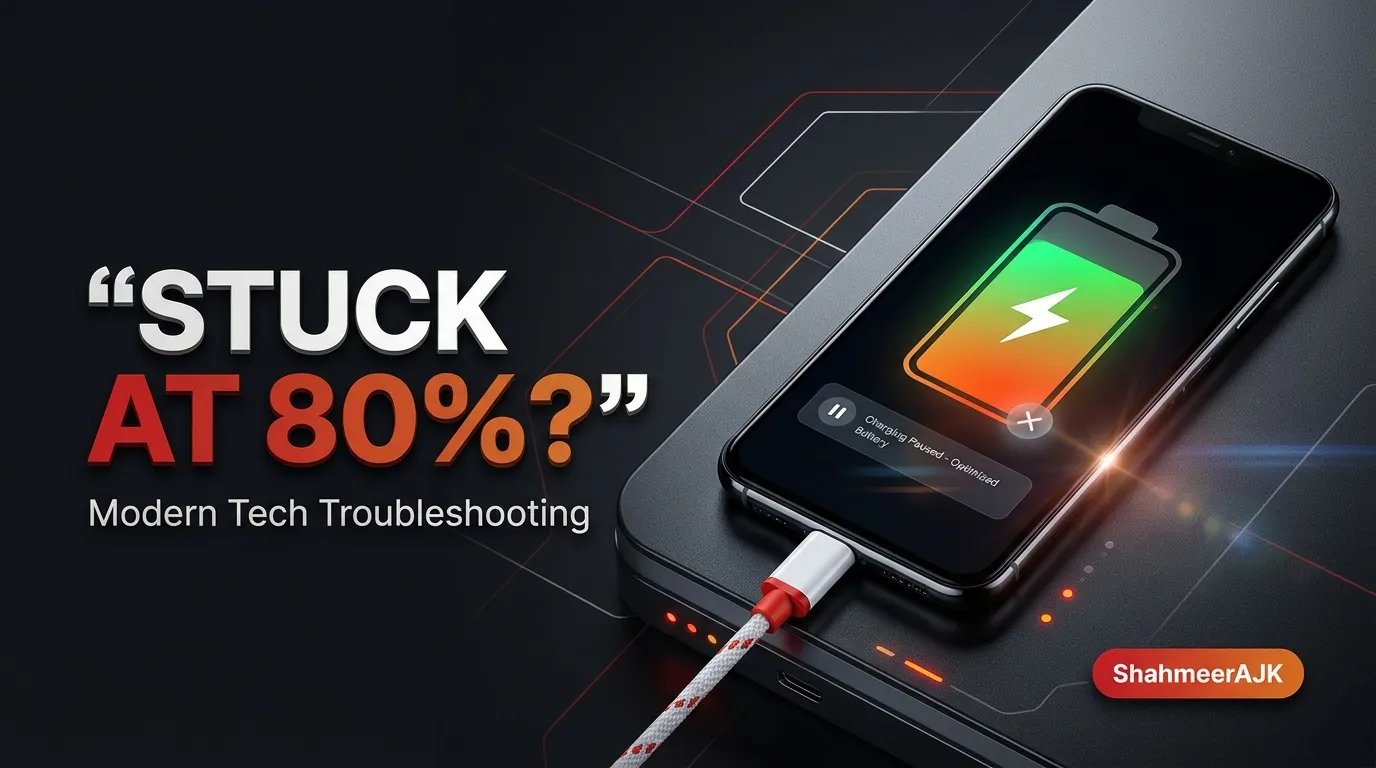
Why Does Your Phone Stop Charging at 80%? Causes and How to Fix It
Have you ever plugged in your phone expecting it to charge to 100%, only to discover that it stops charging at exactly 80%? You leave it connected to the charger, but the battery percentage does not increase. Sometimes it stays at 80% for hours, while other times it slowly starts charging again after you unplug and reconnect the cable.
This problem can be confusing, especially when your phone appears to be working normally. However, a phone stopping at 80% is not always a sign of a damaged battery or faulty charging port. Many modern smartphones include battery protection features designed to reduce battery wear.
Other possible causes include overheating, optimized charging settings, software bugs, incompatible charging accessories, and battery problems. This guide explains why your phone stops charging at 80% and how to fix the problem safely.
Why Does Your Phone Stop Charging at 80%?
Several factors can prevent a smartphone from charging beyond 80%. Understanding the actual cause can help you choose the right solution instead of replacing your battery unnecessarily.
1. Optimized Battery Charging Is Enabled
Many modern smartphones include an optimized charging feature that helps extend battery lifespan. Instead of charging your battery to 100% immediately, your phone may pause charging around 80% and complete the remaining charge later.
For example, if you regularly charge your phone overnight, the system may hold the battery near 80% and finish charging shortly before it expects you to unplug the device. This reduces the amount of time the battery spends at a high charge level.
How to check it:
- Open Settings on your phone.
- Go to the Battery section.
- Look for Optimized Charging or a similar option.
- Check whether a charging limit or optimization feature is enabled.
2. Your Phone Has an 80% Charging Limit
Some smartphones allow users to set a maximum charging percentage to protect battery health. When this feature is enabled, the phone intentionally stops charging at a selected percentage, such as 80% or 85%.
This is common on newer iPhones and Android devices that include battery protection features.
How to fix it:
- Open your phone's Settings.
- Select Battery.
- Look for Charging, Battery Protection, or Charging Limit.
- Review the selected maximum charging percentage.
- Adjust the limit if you want your phone to charge beyond 80%.
The exact settings depend on your phone manufacturer and software version. Keeping an 80% limit enabled can help reduce long-term battery wear, so disabling it is not always necessary.
3. Your Phone Is Overheating While Charging
Temperature is one of the most important factors affecting smartphone charging. When a phone becomes too hot, its battery management system may reduce charging speed or temporarily stop charging to protect internal components.
Common reasons include:
- Charging in direct sunlight.
- Playing games while the phone is charging.
- Using demanding applications for extended periods.
- Using a thick case that traps heat.
- Charging in a hot room or vehicle.
- Using a damaged or incompatible charging accessory.
How to fix it:
- Disconnect the charger if your phone is unusually hot.
- Stop gaming and other demanding activities.
- Remove the phone case temporarily.
- Move the phone to a cool, shaded location.
- Allow it to return to a normal temperature.
- Reconnect the charger and check whether charging resumes.
Never put your phone in a refrigerator or freezer to cool it down. Sudden temperature changes can cause condensation and damage the device.
4. The Battery Is Aging or Deteriorating
Smartphone batteries gradually lose capacity as they go through charging cycles and age. An aging battery may experience unusual charging behavior, faster battery drain, unexpected shutdowns, or inconsistent battery percentage readings.
Although an aging battery does not automatically explain an 80% charging limit, battery deterioration can contribute to charging problems.
How to check battery health:
- iPhone: Open Settings, select Battery, and check Battery Health or Battery Health & Charging.
- Android: Check the Battery section in Settings or use your manufacturer's official diagnostic tools, if available.
If your phone also drains unusually quickly, shuts down unexpectedly, or shows signs of battery swelling, arrange a professional inspection.
5. A Software Bug Is Interrupting Charging
Sometimes the charging problem begins after a system update or application installation. A software issue may interfere with battery reporting, charging optimization, or temperature management.
Try these solutions:
- Restart your phone.
- Install available official system updates.
- Update your applications.
- Check your battery protection settings again.
- Test charging with a compatible charger and cable.
6. Your Charger or Charging Cable Is Faulty
A damaged cable, incompatible charger, loose connection, or dirty charging port can interrupt the charging process. These problems do not always cause an exact 80% limit, but they can make charging inconsistent or stop it unexpectedly.
Try these checks:
- Inspect the charging cable for visible damage.
- Check whether the charger becomes unusually hot.
- Try another compatible, manufacturer-approved charger.
- Test with another suitable charging cable.
- Check the charging port for visible debris or damage.
Avoid inserting metal objects into the charging port. If the port appears damaged or the connection feels loose, have it inspected by a qualified technician.
7. Your Phone Is Following a Battery Protection Schedule
Some smartphones learn your daily charging routine and automatically adjust charging behavior. Your phone may charge to approximately 80%, pause, and complete the remaining charge when it predicts that you will need the extra battery capacity.
This is different from a permanent charging limit. If your phone eventually reaches 100% before you normally unplug it, optimized charging may be working as intended.
How to Fix a Phone That Stops Charging at 80%
If your phone consistently stops charging at 80%, follow these troubleshooting steps in order.
Step 1: Check Your Charging Limit Settings
This should be your first step because an enabled charging limit is one of the simplest explanations.
- Open Settings.
- Search for Battery or Charging.
- Look for Charging Limit, Battery Protection, or Optimized Charging.
- Check whether the maximum charging percentage is set to 80%.
- Adjust the setting if you want your phone to charge further.
Step 2: Restart Your Phone
A temporary software issue may prevent charging from continuing normally. Restarting your phone can refresh background processes and resolve minor system glitches.
- Disconnect your phone from the charger.
- Open the power menu.
- Select Restart.
- Wait for the phone to boot completely.
- Connect the charger again and check the battery percentage.
Step 3: Let Your Phone Cool Down
If your phone is unusually warm or hot, temperature protection may be limiting charging. Disconnect the charger if necessary, stop demanding activities, and allow the device to cool naturally in a shaded, well-ventilated location.
Step 4: Try Another Compatible Charger and Cable
A faulty charging accessory can interrupt power delivery. Test your phone with a known-good charger and cable that meet your device's charging requirements. If charging works normally with another accessory, replace the faulty component.
Step 5: Check for Software Updates
Manufacturers sometimes release updates that fix battery and charging-related bugs.
- Open Settings.
- Go to Software Update or System Update.
- Check for available updates.
- Install an official update if one is available.
Step 6: Inspect the Charging Port
Dust, lint, or physical damage can interfere with the charging connection. Check the port under good lighting for visible debris, corrosion, or damage.
Do not insert pins, needles, or other metal objects into the port. If the connection feels loose or the port appears damaged, have it inspected by a qualified technician.
Step 7: Check Battery Health
If your phone is several years old and has started showing multiple battery-related problems, battery deterioration may be involved. Look for rapid battery percentage drops, unexpected shutdowns, significantly reduced battery life, or battery health warnings.
Step 8: Contact the Manufacturer or a Repair Professional
If your phone continues to stop charging at 80% after checking all settings and accessories, there may be a hardware or software fault. Possible causes include a damaged battery, charging port problem, temperature sensor issue, or power-management fault.
Contact the manufacturer's support team or an authorized repair center before attempting internal repairs.
How to Charge Your Phone to 100% When It Stops at 80%
If your phone has an intentional charging limit, you may be able to adjust it.
For iPhone Users
- Open Settings.
- Select Battery.
- Tap Charging.
- Check the Charge Limit setting.
- Select a higher limit or 100%, if supported by your model and iOS version.
If Optimized Battery Charging is enabled instead, your iPhone may pause around 80% and complete charging later. Look for an option to finish charging sooner if available.
For Android Users
- Open Settings.
- Search for Battery Protection or Charging Optimization.
- Find the maximum charging percentage.
- Adjust or disable the limit if you want a full charge.
- Connect your charger again.
The exact steps differ across Samsung, OnePlus, Google Pixel, Xiaomi, and other Android devices.
Keep in mind that charging to 100% is not necessary every day. A charging limit can help reduce long-term battery wear.
Is It Bad If Your Phone Stops Charging at 80%?
No. In many cases, stopping at 80% is actually a battery protection feature. Lithium-ion batteries experience gradual wear over time, and spending long periods at a very high charge level can contribute to that wear.
An 80% charging limit can help reduce battery stress and may improve long-term battery longevity.
However, there is an important difference between intentional charging protection and an unexpected charging fault. If your phone clearly has an 80% limit enabled and works normally, there is generally no reason to worry.
If charging stops at 80% without an enabled limit, especially when accompanied by overheating, rapid battery drain, or unexpected shutdowns, investigate the issue.
Tips to Keep Your Phone Battery Healthy
You can improve long-term battery care by following a few simple habits:
- Avoid Excessive Heat: Keep your phone away from direct sunlight and very hot environments.
- Use Compatible Chargers: Choose reliable charging accessories that meet your phone's requirements.
- Enable Battery Protection: Use an 80% charging limit if your device supports it and it suits your routine.
- Avoid Heavy Activities While Charging: Gaming and intensive video editing can increase device temperature.
- Keep Software Updated: Official updates can fix charging and battery management problems.
- Monitor Battery Health: Pay attention to unusual battery drain and system warnings.
- Avoid Physical Battery Damage: Do not use a phone with a swollen or visibly damaged battery.
Frequently Asked Questions
Why does my phone stop charging at exactly 80%?
Your phone may have an 80% charging limit or battery protection feature enabled. It may also be pausing charging because of high temperature or optimized charging behavior.
How do I turn off the 80% charging limit?
Open your phone's Battery settings and look for Charge Limit, Battery Protection, or a similar option. Adjust the maximum charging percentage if you want the phone to charge beyond 80%.
Why does my iPhone stop charging at 80% overnight?
Your iPhone may be using Optimized Battery Charging or a charging limit. These features reduce battery wear by controlling when charging reaches higher percentages.
Why does my Samsung phone stop charging at 80%?
Samsung devices offer Battery Protection settings that can limit charging. Check Settings under Battery and review the available protection modes. Menu names and options may vary by One UI version and device model.
Can overheating prevent my phone from charging above 80%?
Yes. Smartphones can reduce or temporarily pause charging when the battery or device becomes too hot. Allow the phone to cool naturally before charging again.
Should I charge my phone to 100% every day?
Not necessarily. For everyday use, a lower charging limit may help reduce battery wear. Charging to 100% when you need the extra battery capacity is also reasonable.
Does stopping at 80% mean my phone battery is damaged?
No. An intentional charging limit is usually normal. Battery damage is more likely to be a concern when charging problems occur alongside rapid battery drain, unexpected shutdowns, overheating, or battery swelling.
Final Thoughts
If your phone stops charging at 80%, the first thing to check is its battery protection and optimized charging settings. Many modern smartphones intentionally limit or delay charging to help preserve battery health.
If no charging limit is enabled, investigate overheating, charging accessories, software updates, and battery condition. Start with the simple solutions before considering a factory reset or battery replacement.
If your phone becomes extremely hot, shows battery swelling, or repeatedly interrupts charging despite basic troubleshooting, seek professional assistance.